US Dollar (USD $)

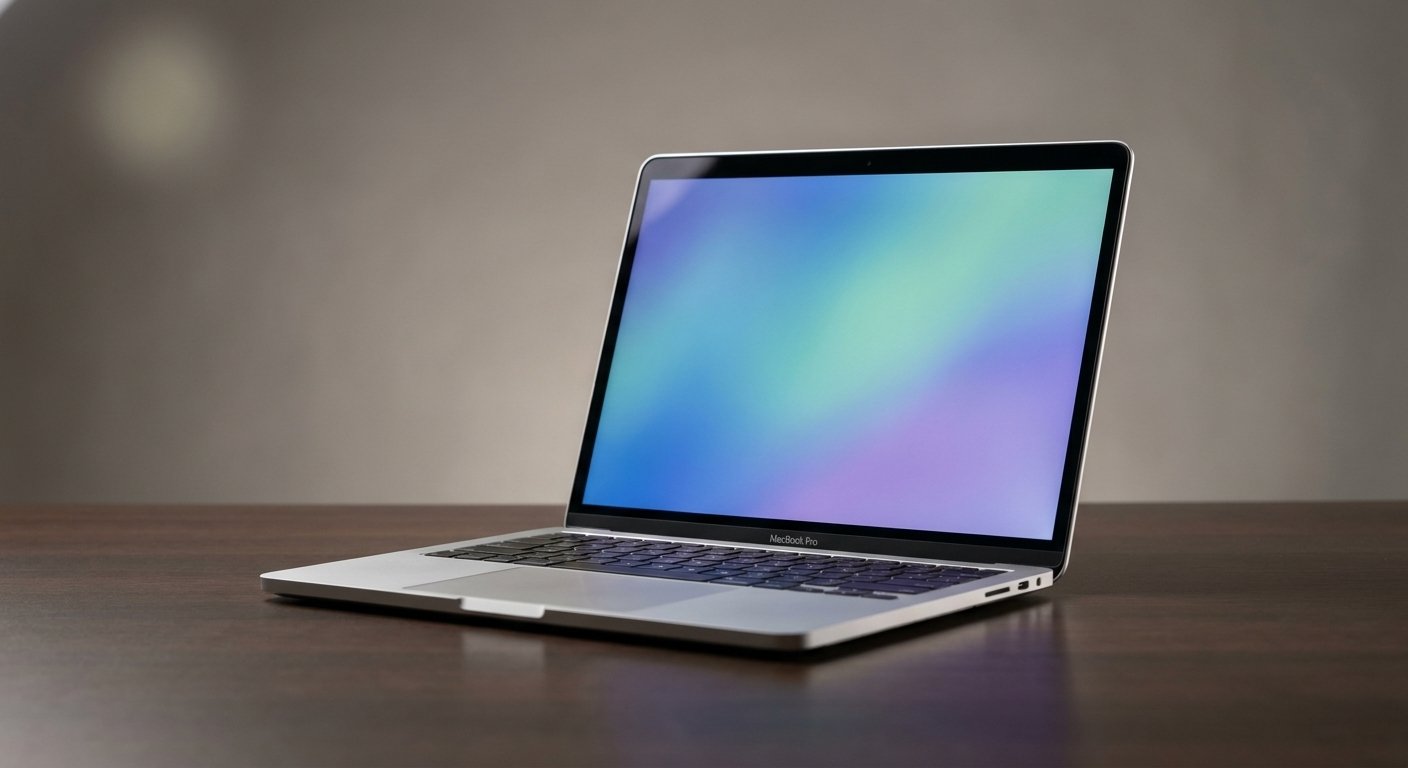
Quick Answer: In the UAE, a “used laptop” bought off classifieds in Dubai or Sharjah comes with no testing, no warranty, and no idea how hard the previous owner ran it. A certified refurbished laptop, on the other hand, has been professionally tested and cleaned, fitted with a fast SSD and at least 16GB of RAM, and backed by a real local warranty. Before you hand over cash for either one, check the battery cycle count, SSD health, RAM performance, screen panel, and ports/thermals — that’s the whole checklist, and we walk through each one below.
If you’ve ever had Chrome freeze mid-task while you had Canva, Meta Ads Manager, and TikTok Business open at the same time — you already know why this article exists. Let’s get into it.
Every week, someone walks into our store holding a laptop they bought “as a deal” from a classifieds app, and every week we hear some version of the same story: it worked fine for two days, then the battery started swelling, or the fan sounded like a jet engine, or the seller just… stopped replying. It’s not always a scam. Sometimes it’s just a laptop nobody ever checked properly before it changed hands. That’s the gap this guide is here to close.
1. Used vs. Refurbished: What’s the Real Difference in Dubai?
People use these two words like they mean the same thing. They really don’t.
A used laptop — the kind you’ll find on classifieds sites or from a random shop with no brand name on the door — is basically a mystery box. You don’t know how many charge cycles the battery has been through. You don’t know if the SSD is on its last legs. You don’t know if it was dropped, spilled on, or sitting in a hot car for a summer. Nobody tested it before it was listed. If something goes wrong on day three, that’s your problem now, not the seller’s.
A certified refurbished laptop is a different animal entirely. Before it ever reaches a shelf, it’s been opened up, diagnosed, cleaned, and — where needed — upgraded. Worn batteries get replaced. Slow HDDs get swapped for NVMe SSDs. RAM gets bumped up to a level that can actually handle 2026 workloads. Then it’s graded, priced honestly, and sold with a warranty that means something.
Here’s the way we’d put it to a friend: buying “used” from an unverified source is a gamble. Buying certified refurbished is a purchase decision — you’re paying for enterprise-grade hardware that’s already been vetted, at a fraction of what it cost new.
2. The 5-Point Hardware Checklist Before You Pay
Whether you’re buying from us, from another refurbisher, or you’re standing in someone’s living room in Al Nahda about to hand over cash — run through these five checks first. It takes ten minutes and it can save you a few thousand dirhams.
Check the Battery Cycle Count & Health
A battery cycle isn’t the same as “days used” — it’s one full charge-to-empty cycle, and every laptop battery has a shelf life measured in cycles, not years.
On Windows, this takes thirty seconds to check:
- Open Command Prompt (search “cmd”).
- Type
powercfg /batteryreportand hit enter. - It’ll save an HTML file — open it in your browser.
Look at “Design Capacity” versus “Full Charge Capacity.” If the current capacity is still above roughly 80% of the design capacity, the battery has real life left in it. Anything meaningfully lower, and you should expect to be buying a replacement battery sooner rather than later — factor that cost in before you agree on a price.
Inspect SSD Health & Storage Speed
If the laptop you’re looking at still has a spinning HDD instead of an SSD, that’s your answer right there — walk away, or negotiate hard. In 2026, an HDD-only machine simply can’t keep up with modern boot times, app loads, or even Windows updates without grinding to a crawl.
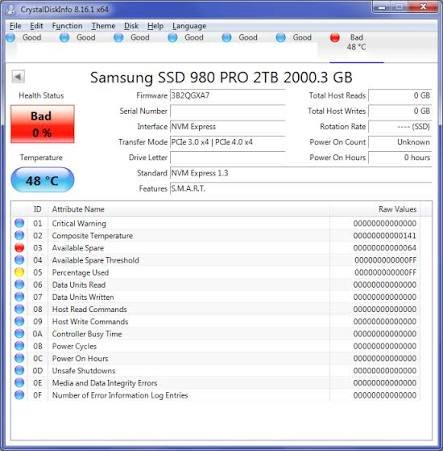
Free tools like CrystalDiskInfo will show you the drive’s health status and read/write speeds in seconds. What you actually want to see is an NVMe SSD, not just any SSD — NVMe drives are several times faster than the older SATA SSDs, and that difference is very noticeable the moment you open a heavy app or a big Canva file.
Stress-Test the RAM (Why 8GB Fails)
This is the one that catches the most people out, and it’s the whole reason we’re writing this guide.
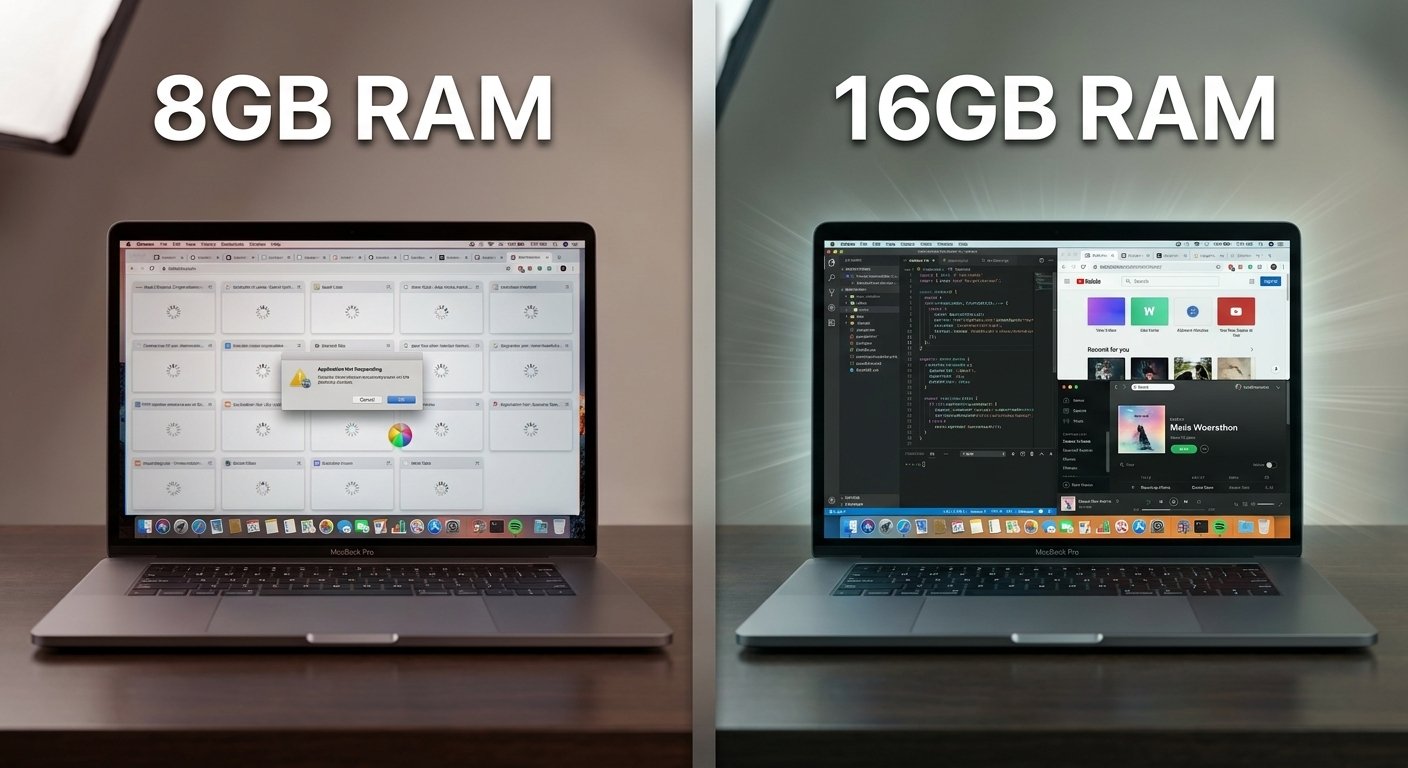
If you’re a student researching for assignments, a freelancer juggling client work, or a digital marketer running Meta Ads Manager and TikTok Business Manager alongside Canva and twenty Chrome tabs — 8GB of RAM is not enough anymore. It hasn’t been for a while. What actually happens is Chrome starts eating memory, the system starts swapping to disk, and everything from typing to switching tabs starts to lag. You end up closing tabs constantly just to keep the machine breathing.
16GB is the realistic baseline now, not a premium upgrade. Before you buy, open Task Manager (Ctrl+Shift+Esc), go to the Performance tab, and open a handful of real apps at once — a browser with several tabs, an editing tool, whatever you’d actually use day to day. Watch the memory graph. If it’s pinned near 100% before you’ve even started working, that laptop will fight you every single day.
Screen Panel & Dead Pixel Inspection
Dead pixels and backlight bleed are easy to miss under bright showroom lighting, which is exactly why some sellers never mention them.
Here’s a simple test: open a browser, search “pure white screen test” or a similar full-screen color tool, and cycle through solid white, black, red, green, and blue screens. Do this in a slightly dim room. A dead or stuck pixel will show up as a tiny dot that doesn’t match the rest of the screen. On the black screen, look at the edges — patchy brighter areas are backlight bleed, which gets more annoying the more you use the laptop at night.
Port & Thermal Performance
Last step, and one people rush through. Plug in a USB-C charger (if the laptop supports USB-C PD charging) and confirm it actually charges. Test every USB port with a flash drive. Plug into an HDMI display if you can.
Then let the laptop run something demanding for ten minutes — a video export, a benchmark app, even just a few heavy browser tabs and a YouTube video in the background. Listen to the fan. A bit of fan noise under load is completely normal. A fan that sounds like it’s about to take off, or a laptop chassis that gets uncomfortably hot near the keyboard, usually points to dried-out thermal paste or a dust-clogged heatsink — both fixable, but both things you should know about before you agree on a price, not after.
3. The Classifieds Trap: Why Unverified Buys Cost More
Let’s talk about the math nobody mentions when they’re excited about a “good deal” on a classifieds app.
Say you find a laptop for AED 300 less than what a certified refurbished unit would cost. Tempting, right? Except the seller who listed it has zero obligation to answer your messages once the money’s transferred. If the motherboard fails 48 hours later — and unverified used laptops fail more often than you’d think, precisely because nobody tested them — you haven’t lost AED 300. You’ve lost the entire amount you paid, plus you’re back to square one, laptop-shopping all over again.
This is really the core difference between buying from an individual seller and buying from a refurbisher that stands behind its stock. When you buy from TechZone Electronic, every unit has already been through the checklist above before it’s ever listed. And if something does go wrong within the warranty period, you’re not chasing a stranger who’s stopped replying — you’re calling a business with a physical address that isn’t going anywhere.

4. Which Refurbished Laptop Should You Buy?
Once you’ve settled on “certified refurbished over classifieds gamble,” the next question is which model actually fits how you work. The three names you’ll see most in the business-laptop refurb world are Lenovo ThinkPad, HP EliteBook, and Dell Latitude — and honestly, you can’t go far wrong with any of them, but they each have a personality.
| Lenovo ThinkPad | HP EliteBook | Dell Latitude | |
|---|---|---|---|
| Known for | Legendary keyboard, near-indestructible build | Business-grade security & display quality | Reliable performance, strong value |
| Best for | Heavy typers — writers, students, researchers | Professionals handling sensitive client data | SME teams needing dependable daily drivers |
| Typical RAM (refurbished) | 16GB (upgradeable) | 16GB (upgradeable) | 16GB (upgradeable) |
| Storage | NVMe SSD | NVMe SSD | NVMe SSD |
| Starting from | AED [X,XXX] | AED [X,XXX] | AED [X,XXX] |
(Swap in your real current stock pricing before publishing.)
- If you’re a student or writer who types for hours a day, the ThinkPad’s keyboard alone is worth the choice.
- If you’re a freelancer or SME employee handling client files, invoices, or anything security-sensitive, the EliteBook’s business-grade features are built for exactly that.
- If you just want a dependable, no-fuss daily machine at the best possible value, the Latitude usually wins on price-to-performance.
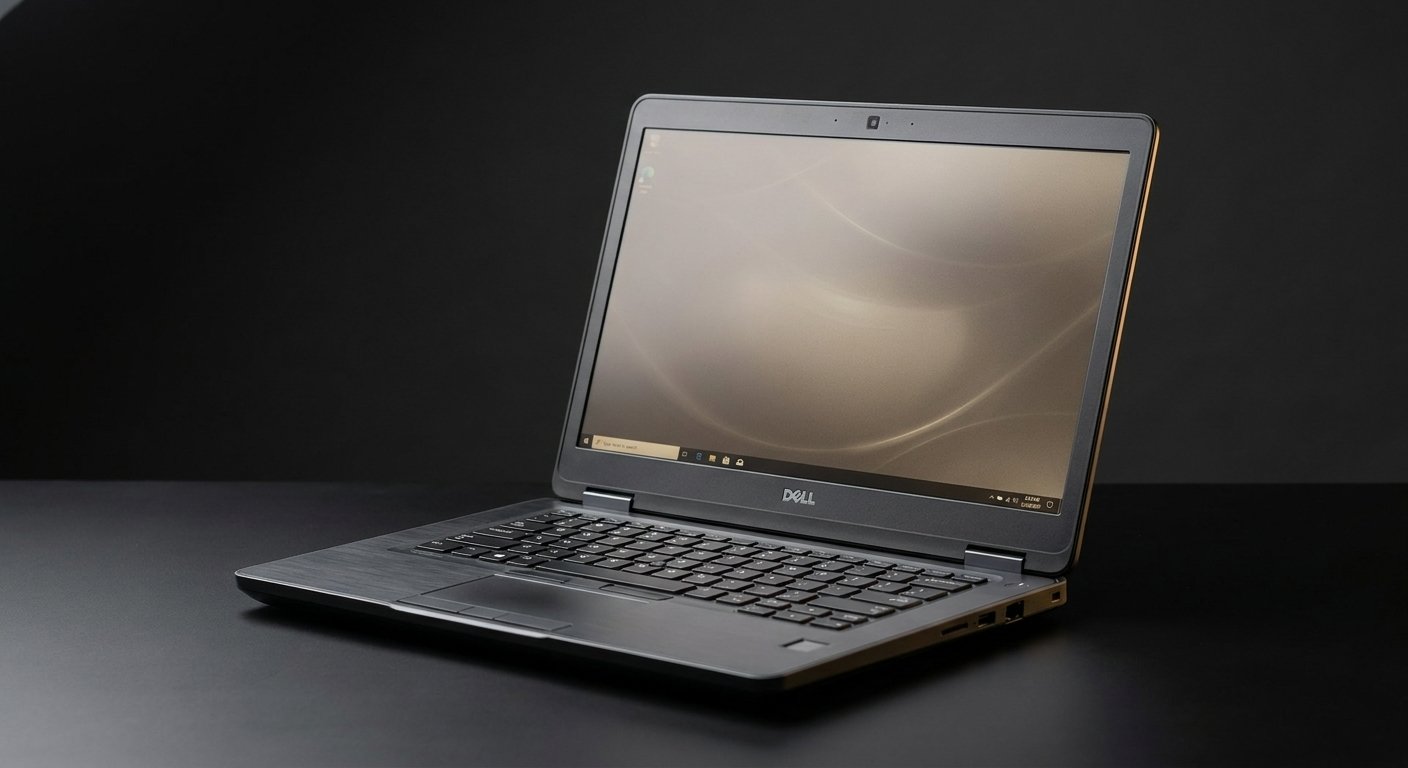
Browse our full certified refurbished collection [link to WooCommerce shop page] to see current stock and exact specs.
Frequently Asked Questions
Where is the best place to buy a refurbished laptop in the UAE?
TechZone Electronic tests, cleans, and upgrades every laptop before it’s listed — not after a customer complains. Every unit comes with a local UAE warranty and real support if something goes wrong, which is the main thing that separates a refurbisher you can trust from a random classifieds listing.
How long does a refurbished business laptop last?
A properly refurbished enterprise-grade laptop (ThinkPad, EliteBook, Latitude) will typically run well for 3–4 years minimum, often longer. These aren’t consumer laptops built to a price point — they’re built to a military-spec durability standard for corporate use, which is exactly why they hold up so well on a second life.
Is a refurbished laptop actually as good as a new one for work?
For everyday professional work — browsers, Office apps, video calls, marketing tools, spreadsheets — a well-specced refurbished business laptop with 16GB RAM and an NVMe SSD will outperform a brand-new budget laptop stuck at 8GB RAM. You’re not compromising on performance; you’re skipping the “new laptop tax” for hardware that was already built better to begin with.
What does TechZone Electronic’s warranty actually cover?
[Fill in your specific terms here — coverage period, what’s included, how to make a claim. Being specific in this answer is exactly what helps it get pulled into Google’s AI Overview, so don’t leave it vague.]
Ready to stop gambling on classifieds?
Every laptop in our store has already passed the checklist above — battery, SSD, RAM, screen, and thermals — before it’s ever listed for sale.
Browse our current certified refurbished stock [link to WooCommerce shop page], or visit us in-store to see the testing process for yourself.